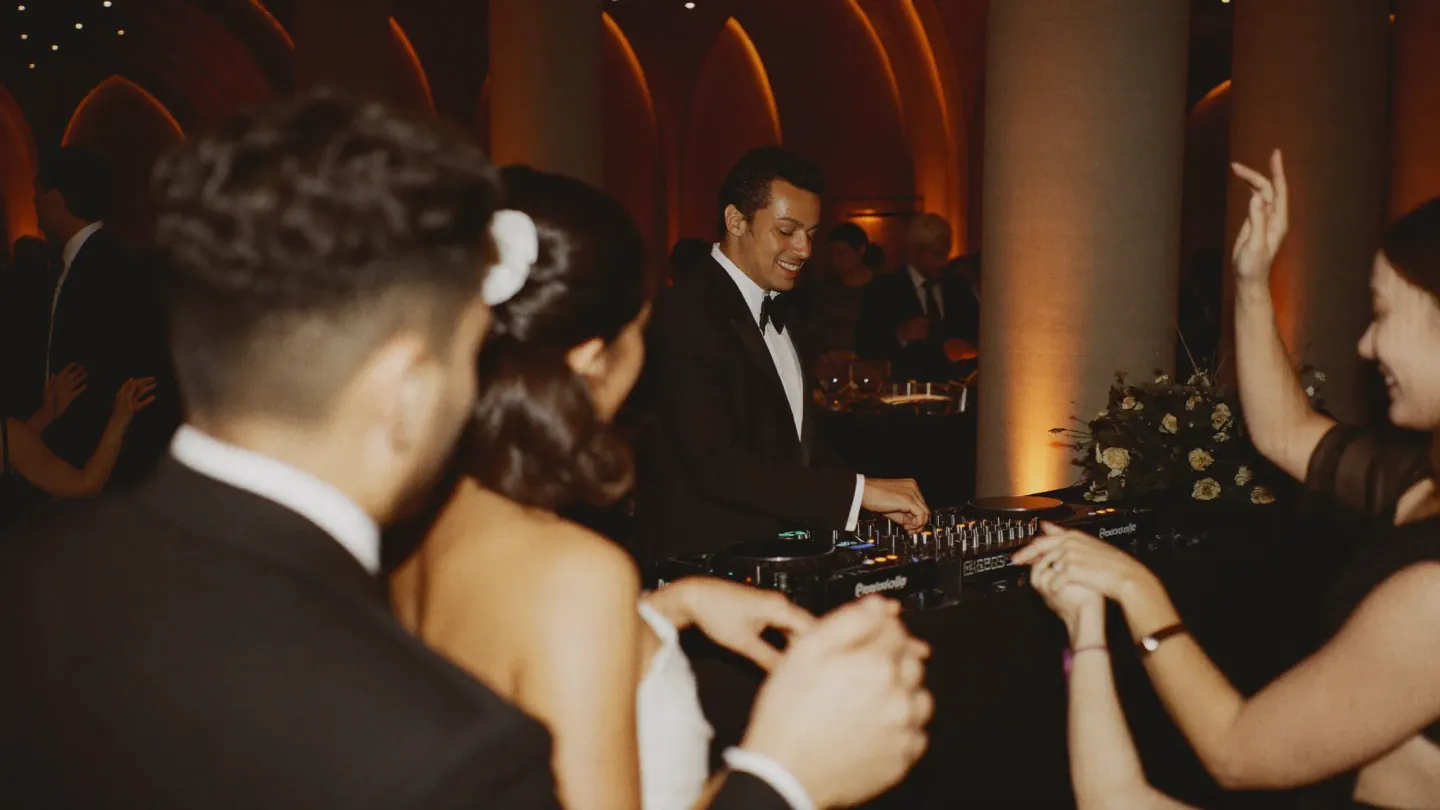
Why DJ studios lose bookings between the call and the contract
A wedding DJ booking usually starts inside a phone call. The couple describes a vibe, mentions three artists, asks about a date, and then waits. If the follow-up arrives two days later from a personal Gmail address with a PDF that cannot be signed on a phone, the DJ is already competing with the next vendor who replied in ten minutes with a link.
The deeper problem is that most DJ studios run four disconnected systems: a calendar, a music spreadsheet, a contract template and an invoicing tool. Every handoff between them is a place where the couple drops out, where the playlist detail gets lost, and where the DJ rebuilds the same information twice.
- Date held in a calendar that the couple cannot see.
- Music taste stored in a WhatsApp chat that disappears.
- Contract signed in a separate e-sign tool with no link back to the event.
- Invoice issued manually after the event, often late.
Music DNA: profiling taste before the first dance
Music DNA is the part of Hitbook that replaces the endless taste conversation. Instead of asking a couple to list genres, the DJ sends a structured profiling link that captures the artists they love, the decades they actually dance to, the songs that carry personal meaning, and the moods they want across the night.
The result is a profile attached to the event record, visible in the client portal, and editable by the couple until the agreed deadline. When a DJ prepares for a wedding, the profile is already there, alongside the Must-Play list and the Do-Not-Play list that the couple and the DJ both confirm.
- Must-Play list: confirmed songs the couple expects to hear.
- Do-Not-Play list: hard blocks honoured by every DJ on the team.
- Reception, dinner, party and after-party mood segments.
- Dedication songs mapped to specific moments in the evening.
Guest request links with couple and DJ approval gates
One of the most common failure points in wedding DJ work is the guest request flood. Hitbook solves it with a single shareable link the couple sends to guests. Guests submit song requests directly, and the requests land in a pending queue rather than in the running order.
Every submission passes through an approval gate. The couple approves family dedications and sentimental choices, while the DJ approves anything that affects energy flow or clashes with the Do-Not-Play list. Approved requests flow into the set plan automatically, and rejected ones are logged so nothing is lost or argued about on the night.
Wedding Day Mode, contracts, SHAAM invoicing and the comparison
On the wedding day, the DJ works from Wedding Day Mode: a single screen with the running order, ceremony cues, entrance timing, first dance, hora moments, and the approved request queue. There is no switching between apps and no reading a playlist from a phone gallery while the couple waits for the next cue.
Contracts and SHAAM-compliant invoices sit in the same record. The DJ issues a contract from a template, the couple signs from a phone, and the payment schedule, receipts and tax invoice are generated without leaving the platform. Below is how that compares with the three most common alternatives.
| Capability | Hitbook | Vibo | Check Cherry | DJ Event Planner |
|---|---|---|---|---|
| Music DNA taste profiling | Native, in the event record | Playlist planning forms | Song request forms | Playlist planning tools |
| Guest song requests | Shareable link with approval gates | Shared planning | Request forms | Client planning pages |
| Wedding Day Mode | Dedicated run-of-show screen | Limited | Limited | Event planning views |
| Contracts and e-signature | Native templates | Yes | Yes | Yes |
| SHAAM tax invoicing | Native, Hebrew compliant | No | No | No |
| Hebrew RTL interface | Yes, full RTL | No | No | No |