A Portfolio Is a Sales Page With Pictures
Most photographers build a portfolio to satisfy other photographers. Couples and art buyers do not scroll to judge technique; they scroll to decide whether you are the right person, at the right price, for their date. That decision happens in the first screen and a half.
Reframe the site around three questions: what do you cost, are you available, and what happens if I reach out. When those answers sit near the top, the gallery becomes supporting evidence instead of a guessing game.
- Lead with one hero image from the budget band you want most of your bookings in.
- Publish a starting package range on the pricing page; hiding it invites mismatched leads.
- Repeat the inquiry call to action at the hero, after galleries and beside pricing.
Curating for the Budget You Want to Be Booked At
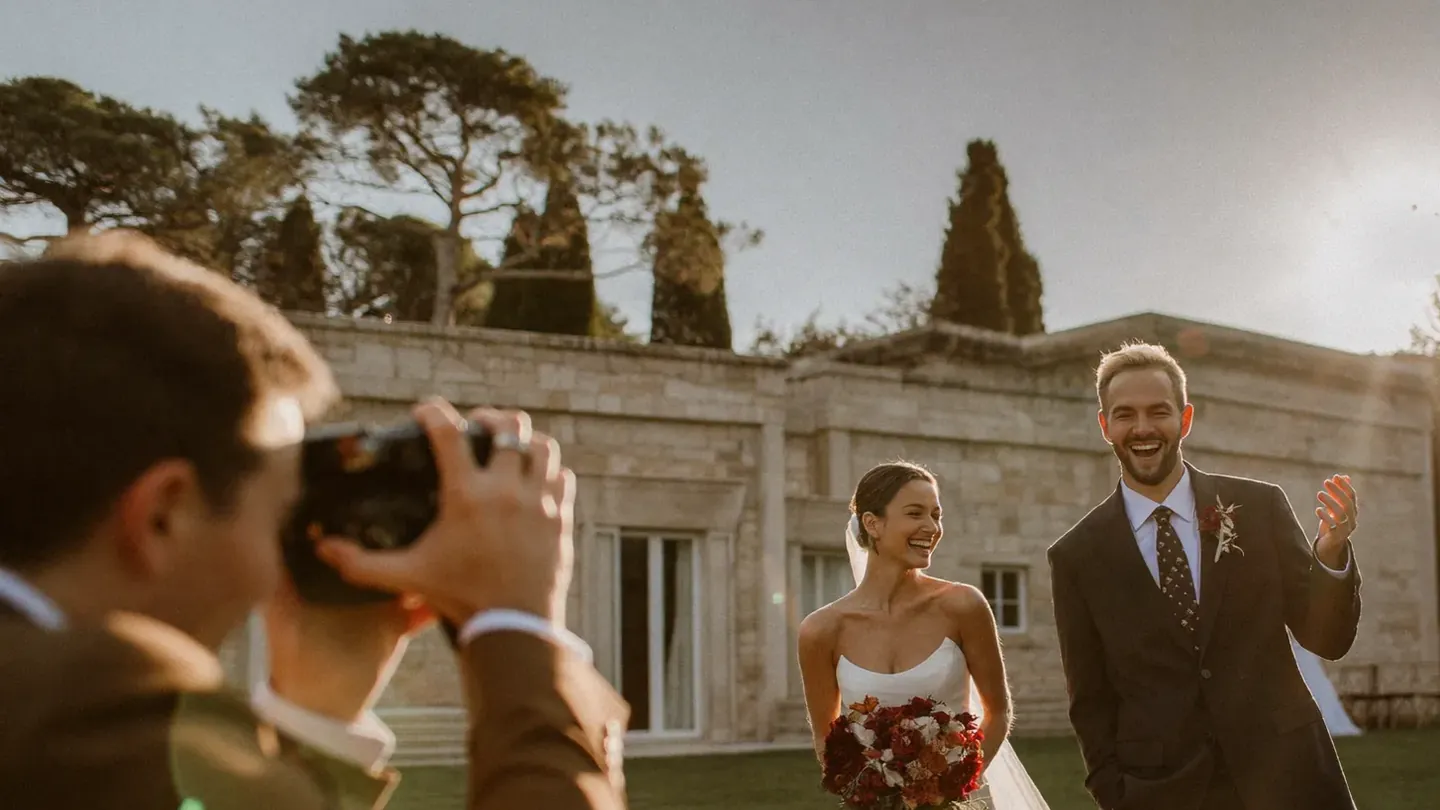
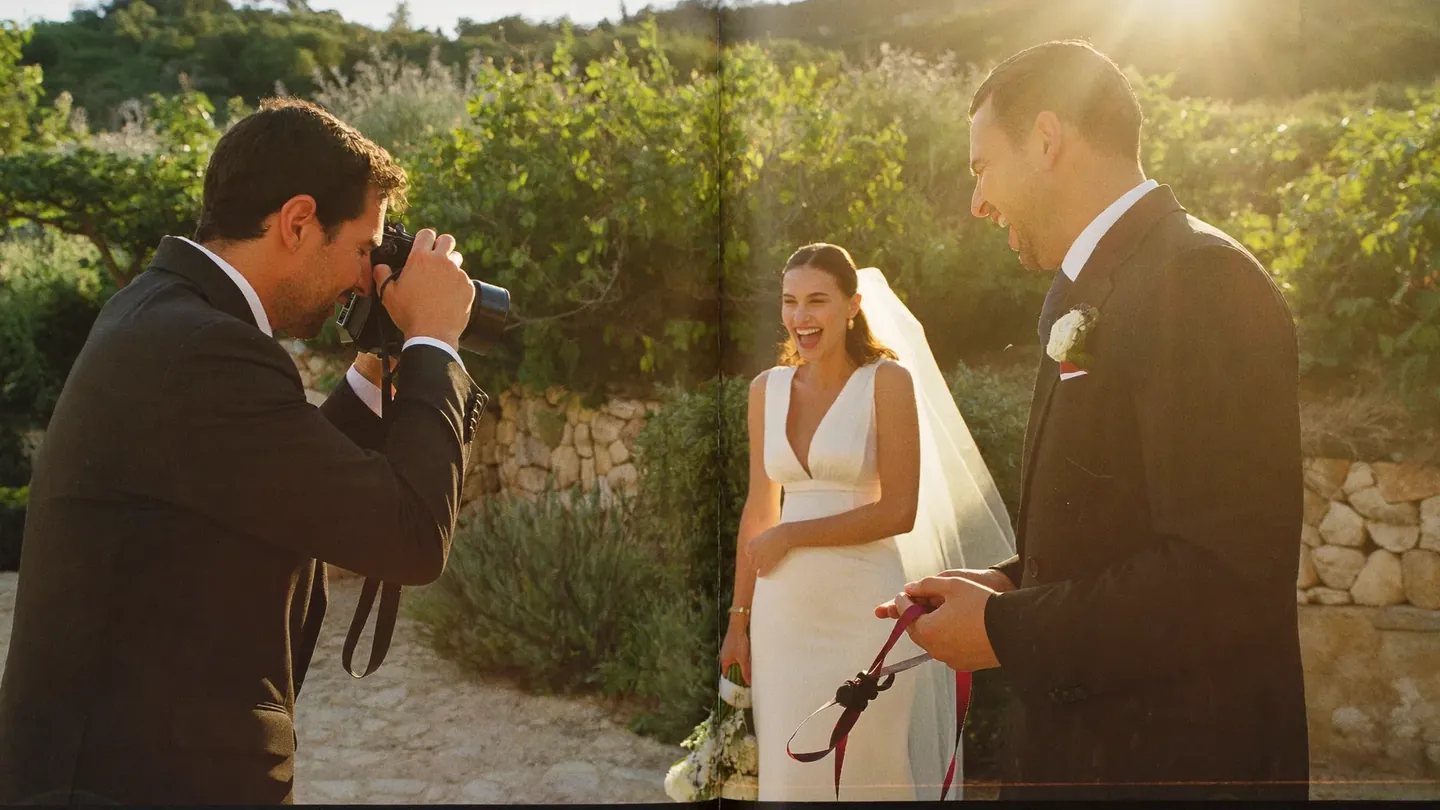
Curate by budget tier, not by personal favourites. A portfolio full of castle weddings will attract castle-wedding enquiries you may not want to serve, while a portfolio of small backyard ceremonies quietly filters out the clients who fund a full season.
Build three or four collections that mirror your real packages and cap each at twelve to fifteen images. Fewer, better-matched frames raise booking confidence more than a hundred-image slider nobody finishes.
- Match every collection to a published package tier.
- Show venues and formats that resemble what clients are actually planning.
- Archive older work instead of deleting it, so you can rebalance the mix each season.
- Keep one image per row on mobile so the work reads at full width.
Luxury Templates, Live Availability and Instant Inquiry Capture
Hitbook's luxury portfolio templates present image sets at full width without the heavy sliders that kill mobile conversion. Typography and white space are treated as part of the product, which is exactly what premium clients read as craft.
Live availability removes the second-most common hesitation. When a client sees that their date is open, the inquiry stops being a risk and becomes a step. Every submission lands in the CRM as a lead with a source, a date and a follow-up task, so the reply goes out while the couple is still on the site.
- Tie the availability calendar to your production schedule so dates update themselves.
- Keep the inquiry form to name, email, date and message.
- Set an auto reply that states a real next step and a time expectation.
Running a Quarterly Portfolio Conversion Audit
Audit quarterly, not once. Open your site on a phone over mobile data, time how long it takes to reach a form, and note where you hesitated as a stranger would. Then score the rows below honestly, one point per row that behaves like the right-hand column.
Fix one row per month. Most studios get the largest lift from the pricing signal and the response path, because those two rows decide whether a lead ever becomes a conversation at all.
| Element | Portfolio that leaks | Portfolio that converts | Why it moves bookings |
|---|---|---|---|
| Hero image | Forty-image slider of personal favourites | One hero frame from the budget band you sell most | Sets price expectation within three seconds |
| Gallery order | Chronological and unlabelled | Collections grouped by venue type and budget tier | Visitors find themselves in your work faster |
| Pricing signal | Contact for pricing only | Starting range plus what the package includes | Filters mismatched budgets before the call |
| Availability | Static banner saying booking for next year | Live date availability from your calendar | Removes the fear of asking about a taken date |
| Inquiry form | Twelve fields on a contact page | Three fields, reachable from every page | More submissions, fewer abandoned opens |
| Response path | An inbox you check at night | CRM lead with auto reply and follow-up task | Faster reply, measurably higher close rate |