Wedding-scale uploads: 25 GB per gallery with auto-resume
A three-thousand-image wedding is no longer a ZIP file and a prayer. The Hitbook desktop uploader keeps a persistent queue, so a closing laptop lid, a hotel wifi drop, or a switched network resumes at the exact byte where it stopped instead of restarting from zero. Each gallery accepts up to 25 GB per upload session, which covers a full multi-day wedding accepting JPEG, HEIC/HEIF and supported camera RAW uploads decoded into high-resolution JPEG masters in a single pass.
Master files land in managed storage rather than a folder on a drive you have to remember. Photographer Plus includes 1 TB of managed master storage, so the culling you did in 2021 is still retrievable when a couple asks for a reprint in 2026. Nothing silently leaves your library because a local disk filled up at 2 a.m. after a double-header weekend.
- Persistent upload queue with automatic resume after any disconnect
- 25 GB per gallery, RAW plus JPEG in the same session
- 1 TB of managed master storage included in Photographer Plus
- Integrity check on every completed file before it enters the library
Eleven curated styles and selective Google Drive import
Delivery design is where most photographers lose an evening. Hitbook ships 11 curated luxury gallery and portfolio styles tuned for wedding, editorial, and fine-art work: full-bleed covers, asymmetric grids, quiet typography, and mobile-first layouts that still look composed on a five-inch screen. You pick a style, swap the cover, and publish. No CSS, no plugin updates, no broken theme after a browser release.
For teams already living in Drive, the Google Drive Picker import is deliberately selective. You choose the exact folders for a given client instead of syncing an entire 4 TB account, which keeps storage honest and avoids accidentally exposing last season's commercial work inside a wedding gallery. Only the selected assets copy across, and the original Drive structure stays untouched for your archive.
ProductionBook favorites and AI Album Studio drafts
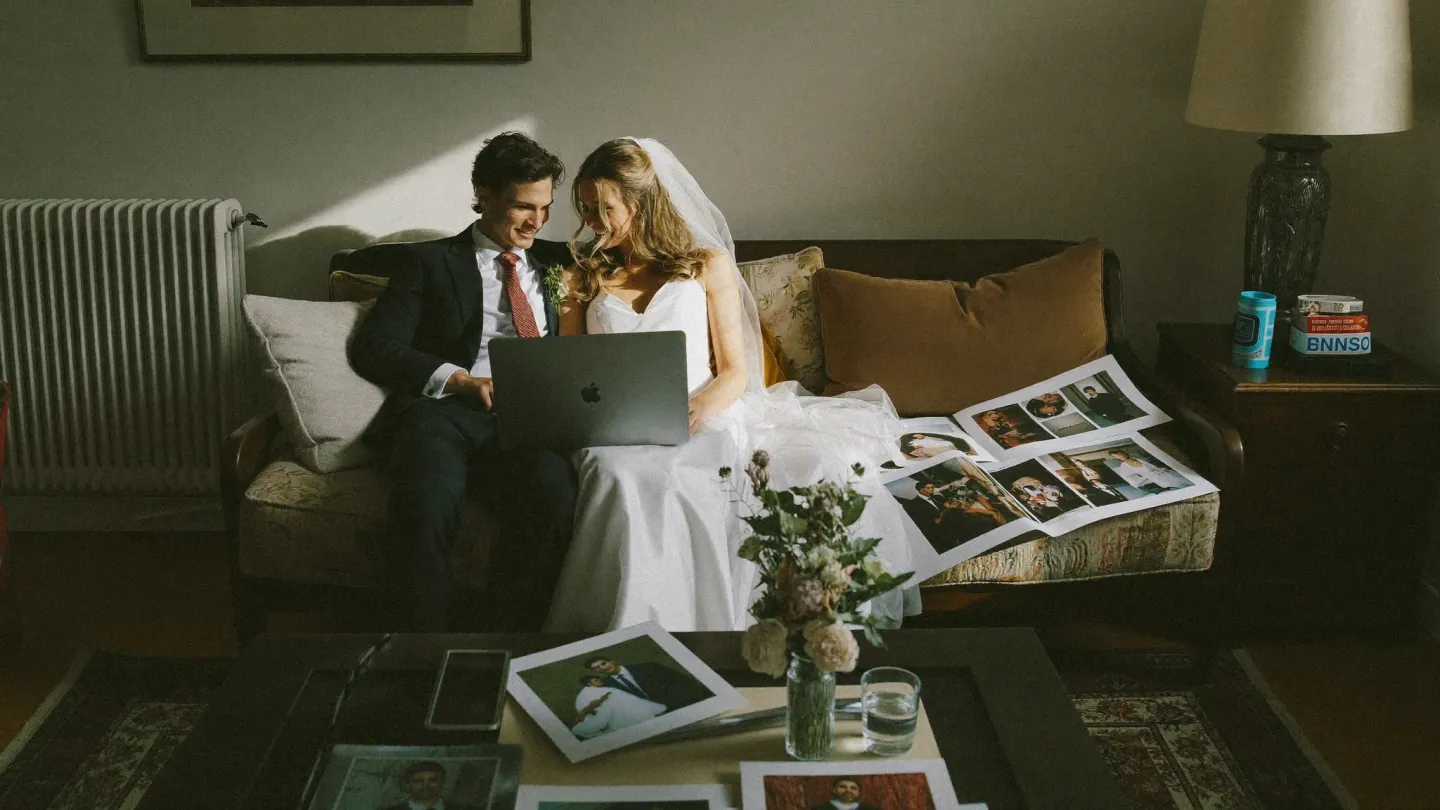
Selection is the slowest part of an album project, so it happens inside ProductionBook where the couple already is. They mark favorites, leave notes on specific frames, and submit a locked selection round. You see one consolidated list instead of four WhatsApp threads and a PDF of screenshots. Extra rounds stay available when a mother-in-law joins the conversation in week three.
AI Album Studio then drafts a full spread sequence from the locked selection: chronological narrative, balanced spreads, consistent crop ratios, no orphan images. Crucially, the draft is a starting point, not a deliverable. A human album designer reviews pacing, fixes hero spreads, and sends a shareable proof for approval before anything is ordered. Machine speed, human taste, one approval loop.
- Couple favorites and comments consolidated into a single selection round
- Locked selections feed AI Album Studio automatically, no re-upload
- Draft spreads generated in minutes with balanced crops and pacing
- Human album designer review and a shareable proof before ordering
One-click print-house handoff compared with Pixieset, Pic-Time, ShootProof and CloudSpot
The handoff is where workflow debt shows up. In Hitbook, a locked album proof becomes a print-ready order with bleed, gutter, and spine values already applied, sent to the lab in one click with no manual export or re-naming pass. If you run your own lab relationship, the same file set downloads in the exact specification your printer asked for.
The table below compares the practical pieces photographers ask about most: upload resilience at wedding scale, included master storage, style range, AI layout drafting, and whether print handoff is native or an add-on. Feature sets on rival platforms change often, so treat this as a workflow snapshot and confirm current tiers before you migrate a season of work.
| Capability | Hitbook Album Studio | Pixieset | Pic-Time | ShootProof | CloudSpot |
|---|---|---|---|---|---|
| Desktop uploader with auto-resume | Yes, 25 GB per gallery | Yes | Yes | Yes | Yes |
| Managed master storage included | 1 TB on Photographer Plus | Tiered, extra cost | Tiered, extra cost | Tiered, extra cost | Tiered, extra cost |
| Curated gallery and portfolio styles | 11 luxury presets | Theme library | Theme library | Theme library | Theme library |
| Couple favorites and selection rounds | ProductionBook, unlimited rounds | Yes | Yes | Yes | Yes |
| AI album layout drafts | Yes, plus human designer review | No | Partial | No | No |
| One-click print-house handoff | Native | Add-on | Native | Add-on | No |
| Selective cloud import | Google Drive Picker, per folder | Full sync | Full sync | Limited | Full sync |