Why Voice Notes Break Down at Delivery
A couple watches their wedding film on the couch at eleven at night. Something around minute three feels off, so they send a forty second voice note. The videographer hears it the next morning, cannot find the exact frame, guesses, re-renders, and sends a WeTransfer link that expires in seven days. Three rounds later nobody remembers which cut is final.
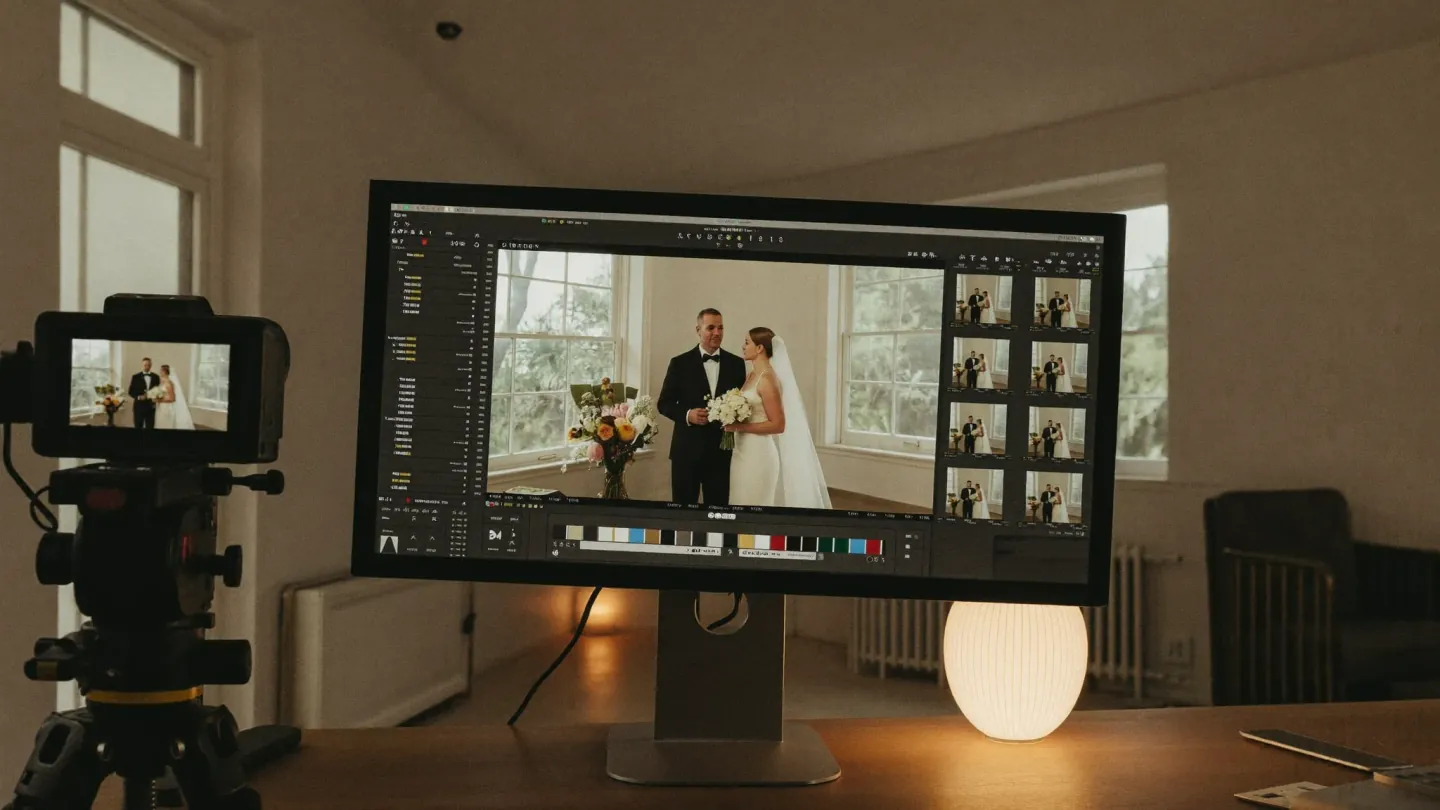
The problem is not the feedback itself, it is the format. A voice note carries no timestamp, no frame reference, no version number and no record of who asked for what. ProductionBook replaces the thread with a proofing page: the film plays in the browser, the couple pauses, and every comment attaches to the exact second of the exact version.
- One link per version, so the couple always sees the current cut.
- Every comment carries a timestamp, an author and a status.
- Nothing depends on a chat that scrolls away by morning.
Timestamped Proofing: Comments Pinned to the Frame
The client opens the proof on a phone, a tablet or a laptop. They scrub, pause at 00:02:41 and drop a comment right there: the color feels cold here. The editor sees a marker on the timeline instead of a memory of a phone call. Approval is clicked per round and every round carries a number, so the studio can always answer the question of which version was approved and by whom.
The same proofing page handles corporate work: the marketing lead comments on the cut, procurement receives the invoice with the PO reference, and both are stored against the same project record.
| Approval step | WhatsApp and WeTransfer | ProductionBook |
|---|---|---|
| Video feedback | Voice notes and screenshots, no timestamp | Comments pinned to the exact frame and version |
| Version control | v1, v2, final, final2 inside the chat | Numbered rounds with one locked current cut |
| Revision scope | Open ended favors with no record | Capped rounds, extra work becomes a change order |
| Album approval | Photos of a screen with a marker scribble | Spread by spread sign-off with name and date |
| Soundtrack | One message saying find something else | Separate approval with a ranked preference list |
| Delivery | Expiring WeTransfer link | Master download unlocked after final payment |
| Record | Nothing searchable six months later | Full audit trail per project and per approver |
Spread-by-Spread Album Sign-Off and Soundtrack Approval
The album is uploaded as spreads, not as one flat PDF. The couple moves page by page, approves the spreads they love, and comments on the ones they want changed. A spread is either approved or it is not, and the final sign-off records the name of the approver and the date. That single record ends the classic argument about which version was confirmed.
Soundtrack works the same way. The studio uploads two or three licensed options, the couple ranks them, and the chosen track is signed off separately from the film edit. When licensing questions appear months later, the proof of approval is already attached to the project timeline.
- Spreads are approved individually, so a single page never blocks the book.
- Ranked soundtrack options remove the endless back and forth.
- Every approval is time stamped and tied to the specific file.
Final Payment Unlock and the Master Download
The invoice lives next to the proof, not in a separate email folder. While the balance is open, the couple can keep watching the proof and keep commenting, but the master file stays locked. When the payment clears, the download button turns on automatically and the studio stops chasing anyone by phone.
For corporate clients the same flow covers procurement: the invoice is issued with the purchase order reference, the approver signs off inside the project, and the delivery record stays available for the finance team long after the event.
- Invoice, proof and delivery sit in one place.
- Reminders go out automatically while the balance is open.
- The release record stays attached to the project for years.